Crafting LinkedIn-Style Outreach That Gets Replies:
A Sales Pro’s Secret Weapon
Networking on LinkedIn can be powerful — but writing connection requests and DMs that don’t sound canned or spammy? That’s where most people struggle.
A stiff, generic message gets ignored. A great one starts conversations and builds relationships.
But what if you didn’t have to start from scratch every time?
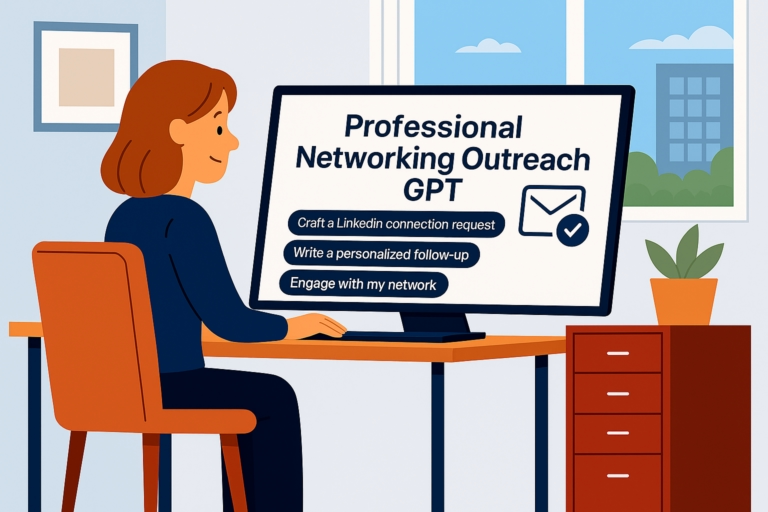
With tools like ChatGPT (and even better — Professional Networking Outreach GPT, built specifically for LinkedIn-style outreach), sales reps, founders, and consultants are saving time and sending messages that actually get responses.
Here’s how to do it — and do it well.
1. Start With the Right Target Info
Before writing your first message, be clear about:
• Who you’re reaching out to (title, industry, type of company)
• Why you’re connecting (networking, sharing value, starting a sales conversation)
• Any warm context (mutual connections, groups, or interests)
🟢 Tip: The more relevant your input, the better your output. Generic inputs = generic messages.
2. Use This Prompt to Create Your First Connection Request
Try this in ChatGPT (or skip the setup and use Professional Networking Outreach GPT):
“Write a friendly, 200-character connection request for a SaaS founder. Mention our mutual LinkedIn group but keep it natural, not salesy.”
📌From here, tweak the tone (professional, conversational, Challenger-style) or ask for 2–3 variations to test which feels best.
3. Focus on Value, Not a Pitch
People don’t accept connection requests to be sold to.
Lead with curiosity, insight, or relevance:
“Write a casual LinkedIn DM to a Marketing Director. Offer a free resource (no hard pitch) and ask a soft question to start a conversation.”
➡️This keeps the message natural and engaging, so it feels like networking — not spam.
4. Follow Up Without Being Pushy
Most outreach takes more than one message. Use AI to create a light follow-up sequence:
“Write a 3-step LinkedIn follow-up: a polite nudge, a value share (article or insight), and a final close-the-loop message — all under 100 words each.”
This lets you stay consistent without sounding desperate.
5. Save Time and Stay Consistent
The best part? You don’t need to reinvent the wheel for every outreach. With Professional Networking Outreach GPT, you can:
• Generate connection requests, first DMs, and follow-ups in seconds
• Customize your tone (Jeremy Miner, Challenger, casual, or professional)
• Preview advanced tools in Sales Pro GPT — for multi-channel outreach, CRM integrations, and memory (coming soon)
📌Your outreach stays personal and professional, even when you’re juggling dozens of prospects.
🎯 Final Word
You don’t need to be a copywriter to build real connections on LinkedIn.
You just need the right prompts — or better yet, a free tool that does the heavy lifting for you.